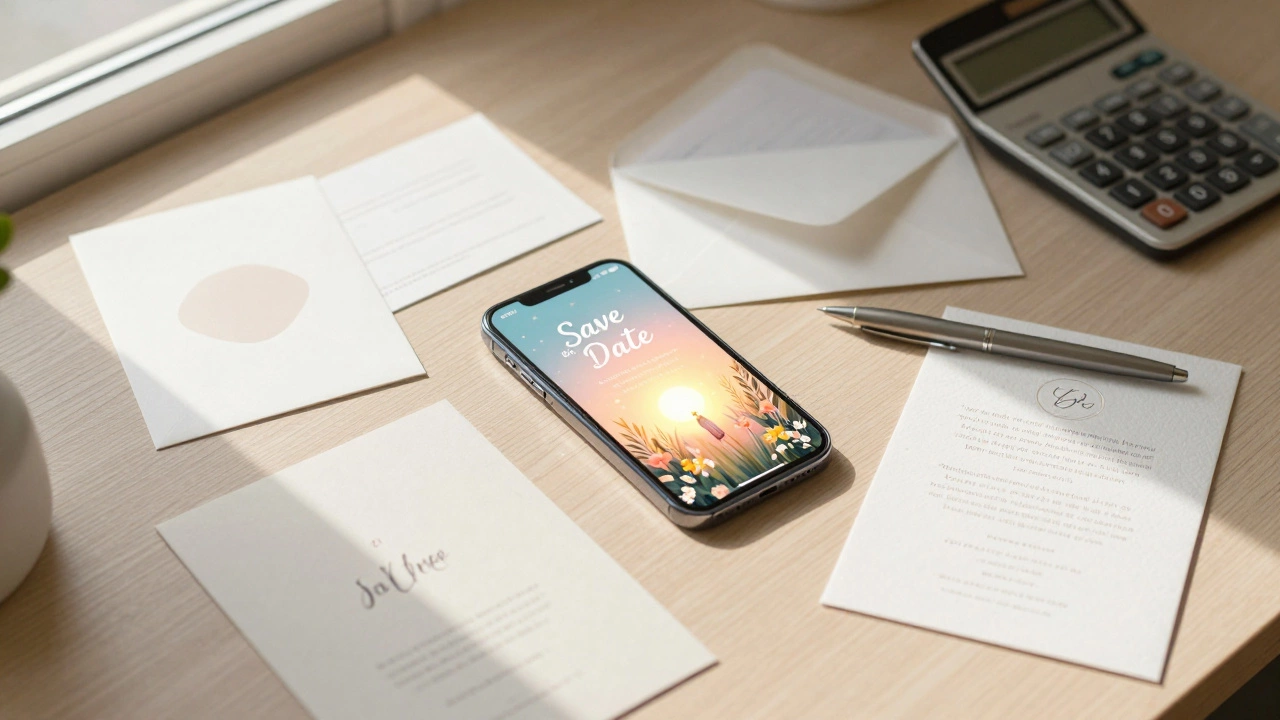
Save the Date Budget Calculator (2026)
Digital Route
Best for: Budget & Speed
- Platform: Free to Premium
- Postage: $0
Estimated Total Cost
DIY Printing
Best for: Hands-on Crafters
- Card Cost: ~$0.70/person
- Includes: Postage
Estimated Total Cost
Professional Print
Best for: Luxury & Convenience
- Card Cost: ~$5.50/person
- Includes: Setup & Postage
Estimated Total Cost
| Category | Digital | DIY | Professional |
|---|
That moment when you finally book your venue and realize you need to tell people? It’s thrilling. But then comes the math. You’ve heard that save the dates are supposed to be cheap, simple placeholders for the main invitation. So why does every quote online look like it could buy a small car? The truth is, the "standard" cost varies wildly depending on whether you’re mailing a heavy card across the ocean or sending a text message.
In 2026, with paper prices fluctuating and postage rates climbing, knowing exactly what you should pay prevents sticker shock later. We’re going to break down the real numbers for digital, DIY, and professionally printed options so you can budget without guessing.
The Digital Route: Free to $5 Per Person
If you want to keep costs near zero, digital save the dates are the way to go. This isn’t just about blasting out an email; it’s about using dedicated platforms designed for weddings. Services like Greenvelope, Paperless Post, or even free tools like WhatsApp groups handle the logistics.
| Method | Cost Per Guest | Pros | Cons |
|---|---|---|---|
| Free Email/Text | $0 | No cost, instant delivery | Looks less formal, easy to miss |
| Basic Platform (e.g., Canva + Email) | $0 - $0.10 | Custom design, professional feel | You manage the guest list manually |
| Premium Service (Greenvelope/Paperless Post) | $1.50 - $4.00 | RSVP tracking, maps, animations | Subscription fees, platform lock-in |
Why would anyone pay for digital? Because convenience has a price tag. A service like Greenvelope charges around $3 per recipient for their premium animated cards. They offer RSVP tracking, which means you don’t have to chase down aunt Linda to see if she’s coming. For a couple with 150 guests, that’s roughly $450. Compare that to the hassle of managing spreadsheets yourself, and some people find the fee worth it. If you’re tech-savvy, you can design a beautiful graphic in Canva and email it for free. The only cost there is your time.
DYI Printing: The Middle Ground ($0.50 - $2.00 Per Card)
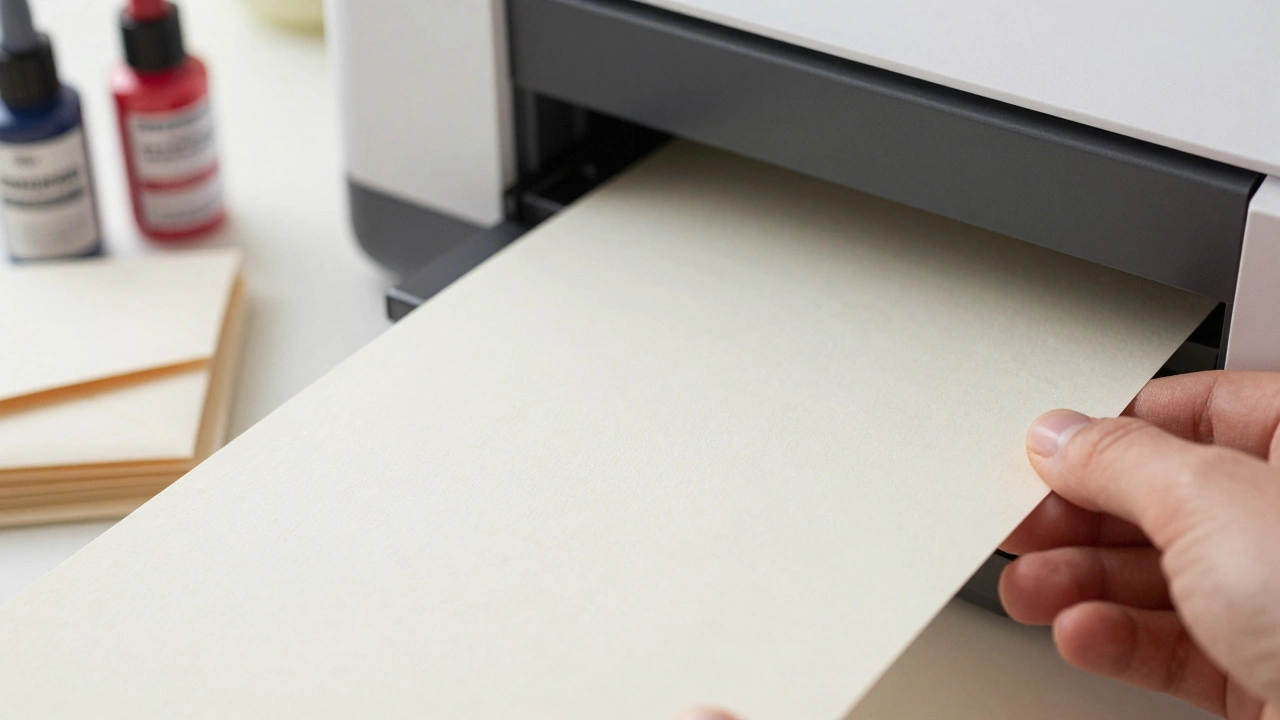
Maybe you love the idea of physical mail but hate the price tags at print shops. Do-it-yourself printing sits right in the middle. You buy blank stock and use a high-quality home printer or a local copy shop.
Here’s where it gets tricky. Not all printers handle thick cardstock well. If you try to print 80lb cover stock on a standard inkjet, you’ll likely get jammed rollers and smeared ink. The pro move? Buy pre-cut, unprinted cards from a site like Minted or Shutterfly’s DIY section, or order bulk cardstock from Uline. Then, print them on glossy photo paper or lightweight cardstock that your machine can digest.
Let’s look at the math:
- Cardstock (100 sheets): ~$20 NZD (~$12 USD)
- Ink/Toner refill: ~$30 NZD (~$19 USD) if you haven’t printed in a while
- Envelopes (100 count): ~$15 NZD (~$9 USD)
Professional Printing: The Standard (.00 - .00 Per Card)
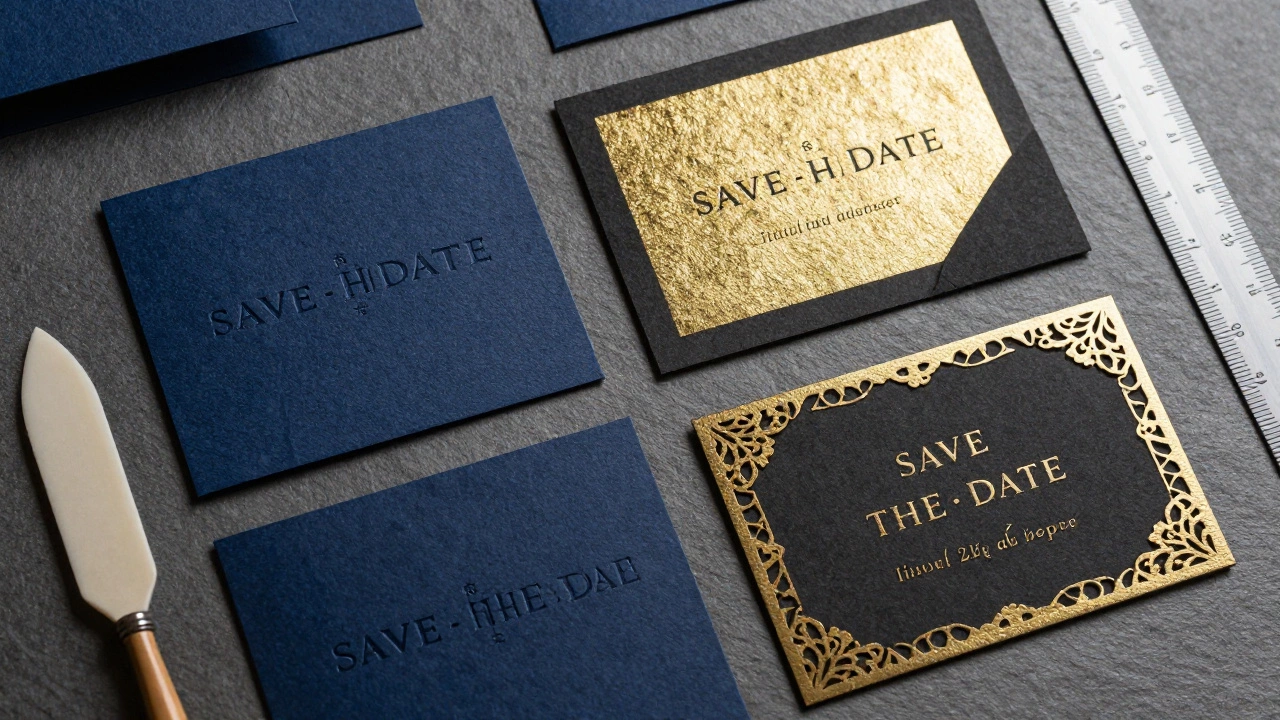
This is what most people mean when they ask for the "standard" cost. You hire a designer or a print shop to handle everything. In Auckland, or anywhere else, this usually involves letterpress, foil stamping, or high-end offset printing.
A basic flat-printed card from a reputable vendor will run you about $3 to $5 per piece. Once you add textures, embossing, or metallic foils, the price jumps to $6-$8 per card. Why the jump? These techniques require specialized presses and multiple passes. Each additional color or texture adds labor and setup time.
For example, a letterpress save the date requires carving a plate. That’s a fixed setup fee, often $100-$200, plus the per-card cost. If you’re only sending 50 invites, that setup fee makes each card incredibly expensive. But for 200+ guests, the per-unit cost drops significantly. Always ask vendors about their minimum order quantities. Some won’t touch orders under 50 units because the setup isn’t profitable for them.
The Hidden Killer: Postage Costs
People forget this part. The card itself might be $2, but getting it into someone’s mailbox is another story. In New Zealand, a standard domestic letter (up to 20g) costs around $1.40 NZD as of 2026. If your save the date is thick, textured, or oddly shaped, it falls into the "non-standard" category.
Non-standard mail is a budget nightmare. An envelope that’s too thick, too large, or uses window envelopes with clear plastic windows can incur surcharges. In the US, non-machinable stamps can double your postage cost. Here in NZ, irregular shapes often require manual sorting, which adds fees. Stick to square or rectangular envelopes that fit within standard dimensions (usually up to 162mm x 105mm for standard letters). Keep the weight under 20g. If you want to send these internationally, brace yourself. International airmail for a single letter can cost $5-$8 NZD each. For 50 overseas guests, that’s $250-$400 just in stamps.
How to Lower Your Total Bill
You don’t have to choose between looking cheap and going broke. Here are three practical ways to cut costs without sacrificing style:
- Send digitally first: Send a digital save the date six months out. Follow up with a physical invitation two months before the wedding. This saves you on the initial round of postage and allows you to trim your guest list before ordering expensive paper goods.
- Use a dual-purpose design: Make your save the date also serve as a holiday card or a thank-you note. It’s a bit unconventional, but it reduces the number of separate mailings you need to do.
- Order in bulk early: Print shops often have off-peak discounts. Ordering in January or February for a late-year wedding can sometimes net you a 10-15% discount compared to peak season (May-October).
Summary of Costs by Volume
To give you a concrete picture, here is what you should expect to pay for different guest counts, assuming a mix of domestic and international mail.
| Guest Count | Digital Only | DIY Printed | Pro Printed (Standard) |
|---|---|---|---|
| 50 Guests | $0 - $75 | $100 - $150 | $300 - $500 |
| 100 Guests | $0 - $150 | $200 - $300 | $600 - $900 |
| 200 Guests | $0 - $300 | $400 - $600 | $1,200 - $1,800 |
Note that these figures include estimated postage for 80% domestic and 20% international guests. If your entire guest list lives overseas, multiply the printed costs by 1.5x due to higher shipping fees.
When should I send out save the dates?
The standard rule is 6 to 8 months before the wedding. For destination weddings or holidays where travel is expensive, send them 9 to 12 months in advance. This gives guests ample time to request time off work and book flights.
Do I need to send save the dates if I’m having a small wedding?
Not necessarily. If you’re inviting fewer than 50 people, a personal phone call or text followed by a formal invitation is often enough. Save the dates are primarily useful for large guest lists or when travel is required.
Can I change the date after sending save the dates?
Yes, but it’s awkward. You’ll need to send a correction card or a follow-up digital notice immediately. It’s best to finalize your venue contract before mailing any save the dates to avoid this scenario.
What information must be on a save the date?
Keep it simple: Names of the couple, the wedding date, the city and state (or country) of the event, and a note saying "Formal invitation to follow." You can optionally include a wedding website URL for more details.
Is it cheaper to print save the dates locally or online?
Online printers often have lower base prices due to automation and scale, especially for standard sizes. Local printers may charge more but offer better customer service, faster turnaround, and the ability to inspect samples before printing. For complex designs, local shops in Auckland or similar cities might provide better value through personalized advice.